Chronic diseases contribute to 75% of U.S. annual health care spending. Patients with chronic diseases often experience devastating outcomes because of limited healthcare engagement and ineffective self-management skills. Frontline healthcare staff members can play an important role in early diagnosis and proper disease management. This can have a significant impact on the patient’s quality of life, as well as the cost of care.
This course is part four of a four-part series that aims to provide an overview of common chronic diseases, while also exploring the role frontline healthcare staff play in disease prevention and management.
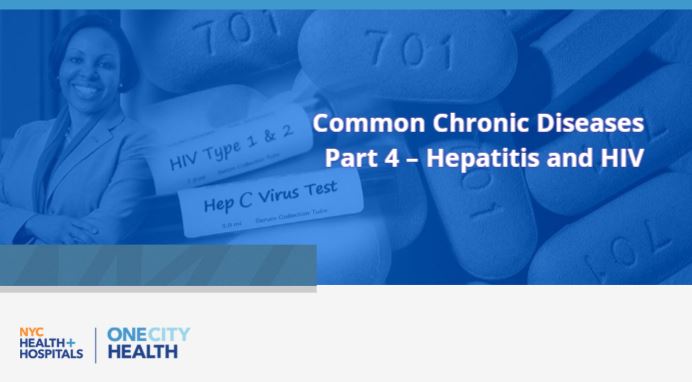
Hepatitis is an inflammation of the liver, often caused by a virus, and can be deadly. Hepatitis C, a type of infectious hepatitis affecting over 3 million Americans, is the leading cause of liver cancer and the number one reason for liver transplants in the United States. More than 1.1 million people in the U.S. are living with HIV, another type of infectious disease. Hepatitis and HIV often share common risk factors, and in both cases many people do not know they are infected. In this final installation of the four-part series on chronic diseases, hepatitis and HIV are explored in more detail. Participants will discuss conditions that affect patients suffering from certain types of hepatitis and HIV. Additionally, this training focuses on some of the major challenges and barriers that patients encounter. Care coordination strategies are reviewed to assist healthcare providers with effective techniques to support their patients in medication adherence and obtaining appropriate treatments.
...
Learning Objectives:
- Understand the basics of hepatitis A, B, C
- Understand the basics of HIV
- Describe how care coordination can help patients with HIV and hepatitis
- Step 1) Locate the course you want to take
Step 2) On the course home page, select “Take This Course”
Step 3) If you are not already signed in, you will be prompted to login or create an account
Step 4) Once logged in, complete the registration form, ensuring to fill out all the mandatory fields, then click “Submit”
Step 5) Select “Start Course”
Still having issues? Contact us at [email protected]
- Contact HWapps support via the following for technical issues, including the scenarios listed here.
Contact the OneCity Health Workforce Team at [email protected] for training questions and feedback. These may include inquiries related to target audience, curriculum, registration, evaluations, CME credits, and more.
- Step 1) Is the button greyed out? Check for a timer. Some courses will have the mark complete button disabled until the lesson timer runs out. Once the timer has elapsed, the mark complete button should no longer be greyed out and should allow you to press it.
I have tried the above but the mark complete button is still greyed out. In this case, please contact support at [email protected]
- Step 1) Login to your account
Step 2) Hover over “Catalog” on the main menu
Step 3) Select “All Trainings” or choose a specific category from the list
Step 4) Choose from the listed courses or use the “Search Courses” box in the upper right-hand corner to find a specific training via keyword search or by making selections from the drop-down menus
Still having issues? Contact us at [email protected]
- Step 1) If the content is not loading properly, try using a different browser
Step 2) If using a different browser does not work, try clearing your cache.
Note: If you are using Chrome, you can clear you cache by clicking on the three dots in the upper-right corner of your browser and selecting “History.” Under “History”, on the left-hand side, select “Clear Browsing Data”. Set the “Time Range” as “All Time” and ensure that the box for “Cached Images and Files” is checked. Lastly, select “Clear Data”
If clearing your cache has not solved the problem, please contact HWapps at [email protected]


Comments